 codeman
View on GitHub →
codeman
View on GitHub →
Mission control for your AI coding agents.
Run Claude Code, OpenCode, Codex, Antigravity, Gemini and Pi CLI 24/7 on your own box, in persistent tmux sessions. Watch every agent, from every device, phone included.
curl -fsSL https://getcodeman.com/install | bash
Mac · Linux · Windows (WSL) · needs Node 22 + tmux · prefer npm? npm i -g aicodeman
Zero input lag. Even over a tunnel.
Typing into a remote terminal normally means a 200-300ms round trip per keystroke, and seconds on a bad link. Codeman paints your keystrokes instantly in a Mosh-inspired local echo overlay, then hands off invisibly the moment the real echo arrives.
Extracted as a standalone library for any xterm.js app: npm i xterm-zerolag-input
Built for the Poweruser workflow.
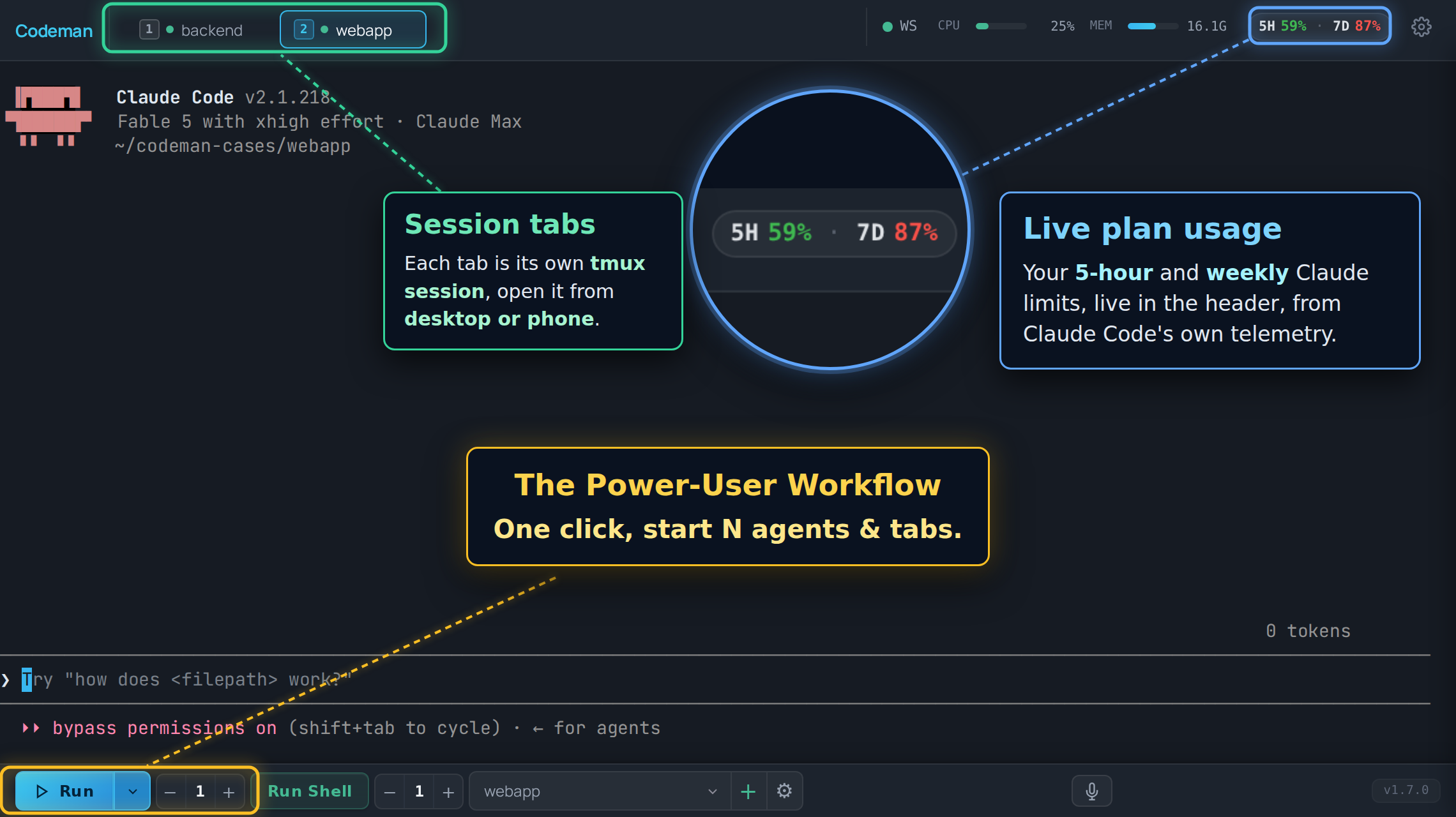
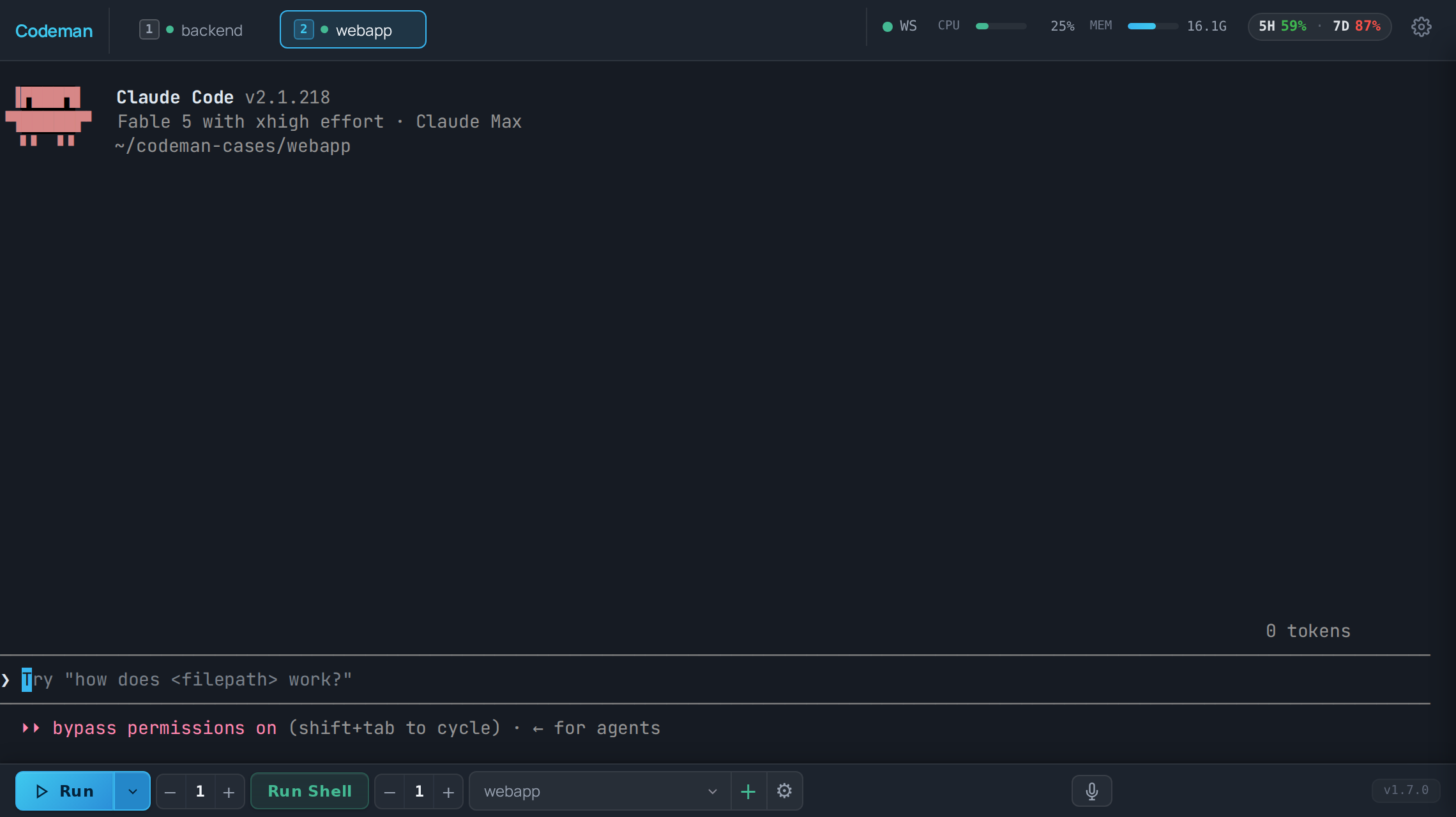
You never run just one coding agent. Codeman puts all of them, across every project, in a single row of tabs with live status.
ssh still works like it always has.
xterm-zerolag-input on npm).
It keeps working when you leave.
Multi-layer idle detection (completion messages, output silence, token stability, an optional AI check) re-prompts a session that has genuinely stopped. Around 110k tokens Codeman triggers /compact, around 140k a full /clear plus re-init, and a circuit breaker trips on no-progress loops instead of burning tokens all night.
Opt-in per session, because auto-consuming your quota the moment it resets should be a deliberate choice. A built-in overnight-autonomous preset tunes all of it for unattended runs.
Glance. Unblock. Queue. Done.
A tool you live in all day has to be keyboard-first. The speed that matters isn't benchmark speed; it's "check five agents, unblock two, queue one more, done in ninety seconds" speed.
A session palette: fuzzy-type any session or case name and jump. Behind it, a manager of every session you've ever run: searchable by prompt, pinnable, resumable.
Straight to any tab, cycle through them, and every shortcut is rebindable (Ctrl+? shows the map).
Pick a case, hit Run, the tab appears named and numbered. Need five agents on one repo? The tabs number themselves.
Cross-session search digs through session names, run events, and files the agents touched.
Recurring work doesn't need you: scheduled jobs launch an agent with a prompt, in any of the supported CLIs.
One click answers "what happened while I was gone": which sessions need attention, finished, or are still running.
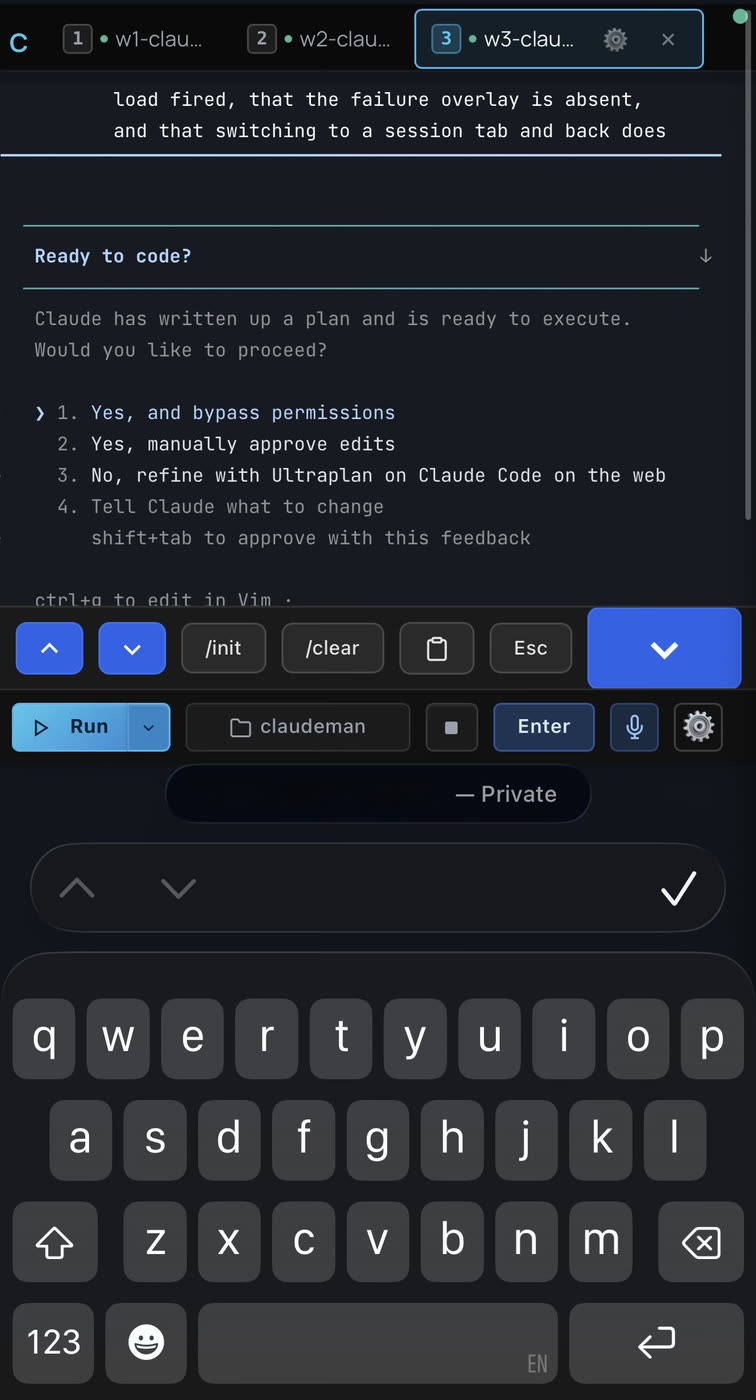
Your desk. Your couch. Same sessions.
One dense dashboard at the desk, and the exact same live sessions from the phone in your hand: QR login, push notifications when an agent needs you, and typing that feels local even over a tunnel.
Questions, answered.
How do I keep Claude Code running when my laptop sleeps?
Install Codeman on any machine that stays on: a Mac mini, a home server, a VPS. Every agent runs there in a persistent tmux session, so closing your laptop changes nothing. Open a browser later and you're back in the same live session, full scrollback included.
What happens when Claude Code hits a usage limit overnight?
Codeman reads the "limit reached, resets 8pm" message, parses the reset time, waits it out and continues the run automatically. It's opt-in per session, so consuming your quota the moment it resets is always a deliberate choice.
Can I use Claude Code from my phone?
Yes. Scan a single-use QR code to log in, get a push notification when an agent needs you, and type with zero perceived lag thanks to a Mosh-inspired local echo overlay. It's a real mobile client, not a shrunken desktop.
Does Codeman support Codex, Antigravity, Gemini CLI, OpenCode and Pi too?
Yes: Claude Code, OpenCode, Codex CLI, Antigravity CLI, Gemini CLI and Pi (pi.dev) all run as first-class session types, side by side in the same tab row, plus plain shell sessions. Gemini is enterprise-only since Google's consumer cutover, and Antigravity (agy) is Google's current CLI, so Codeman runs both.
How does Codeman compare to Herdr?
Herdr is a strong terminal-first runtime that keeps agent processes alive on one machine. Codeman is web-first: the same persistent sessions, but streamed to any browser, with a real phone UI, tabs that blink when an agent needs you, push notifications, QR login and zero-lag typing over high-latency links. If you live in the terminal, Herdr fits great; if you want to reach your agents from anywhere, that is exactly what Codeman was built for. Nothing stops you from trying both.
Is it safe to expose Codeman to the network?
It binds to loopback only by default, so nothing is reachable until you decide how to expose it: set a password and reverse-proxy it, or point Tailscale at the loopback bind. DNS-rebinding protection, an Origin/CSRF guard and rate-limited auth are always on.
How much does Codeman cost?
Nothing. Codeman is MIT-licensed open source with no telemetry, no account and no cloud component; it runs entirely on your own hardware.
Your box. Your agents. One screen.
One command on any machine that stays on: a Mac mini in a closet, a Linux box, a VPS. The installer prompts before every system change and binds to loopback by default.
A dashboard that drives coding agents deserves paranoia about who can reach it. Defense in depth, always on:
curl -fsSL https://getcodeman.com/install | bash
MIT licensed · built by Ark0N · runs entirely on your own hardware